Digital
Warehouse
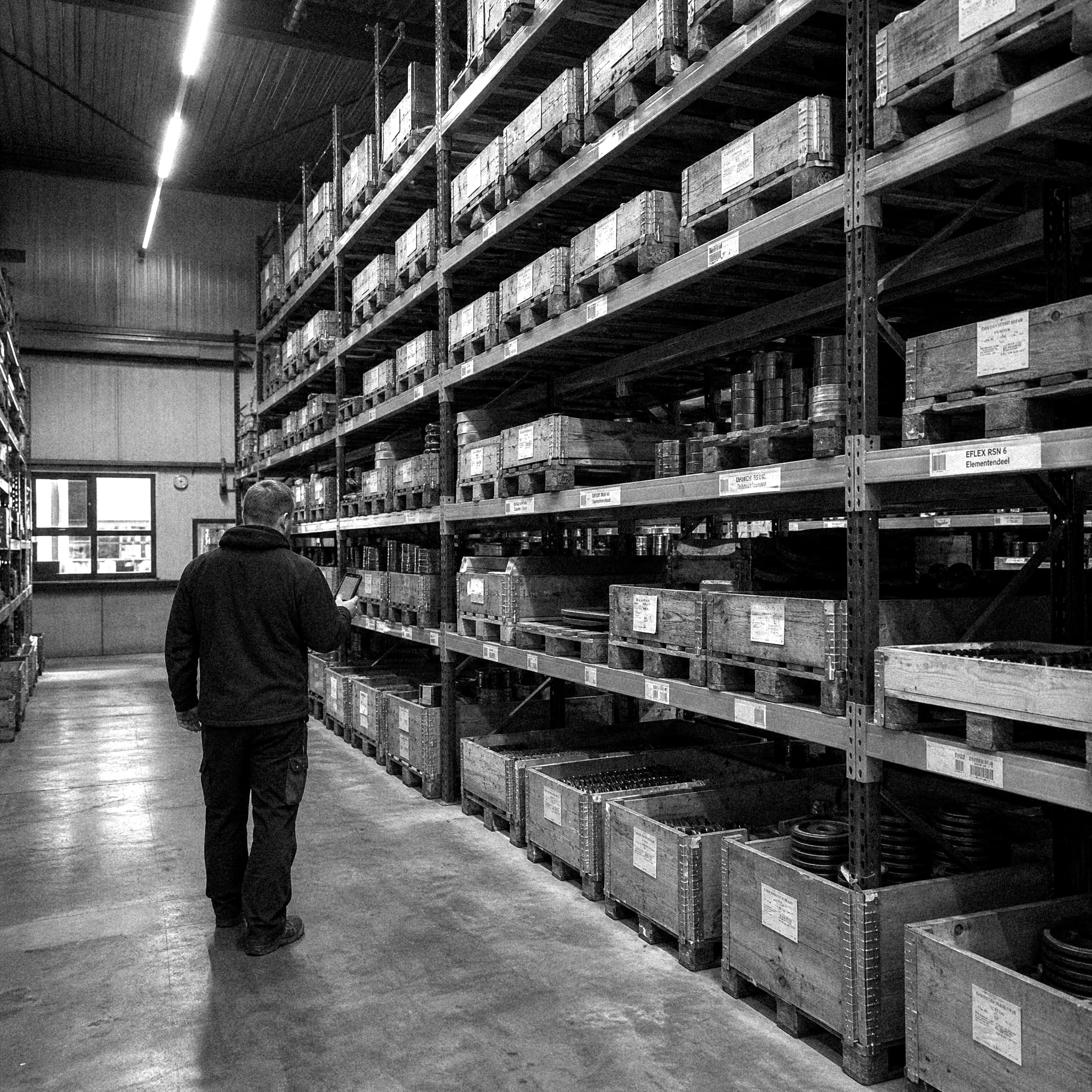
The warehouse moved from paper-based order picking towards a digital workflow built around handheld scanners, structured warehouse locations and Arkoni.
The goal was not simply to put the existing paper process on a screen. The workflow needed to make sense while someone is physically moving through the warehouse, finding products, scanning them and preparing orders for shipment.
Paper
To Digital
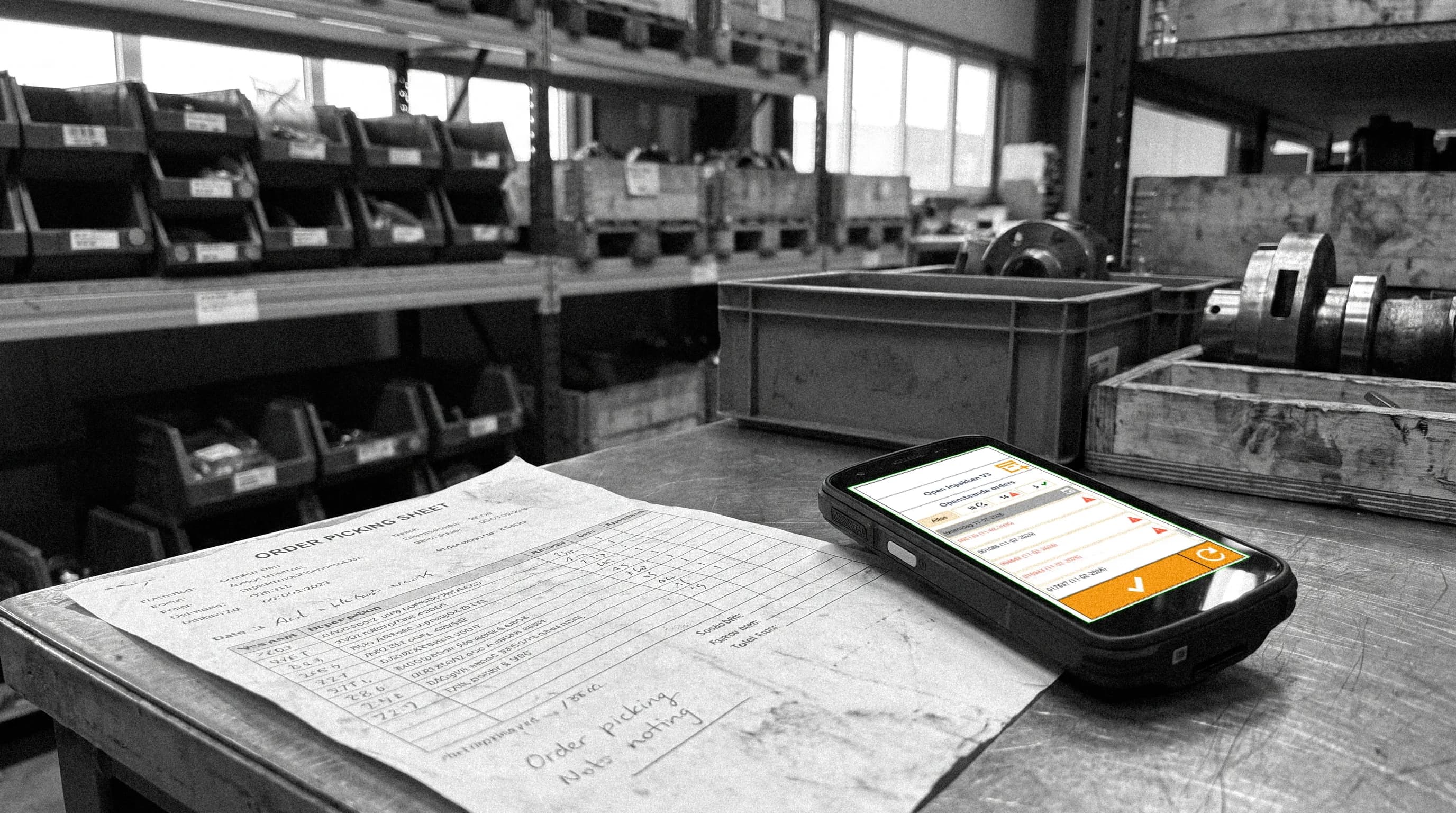
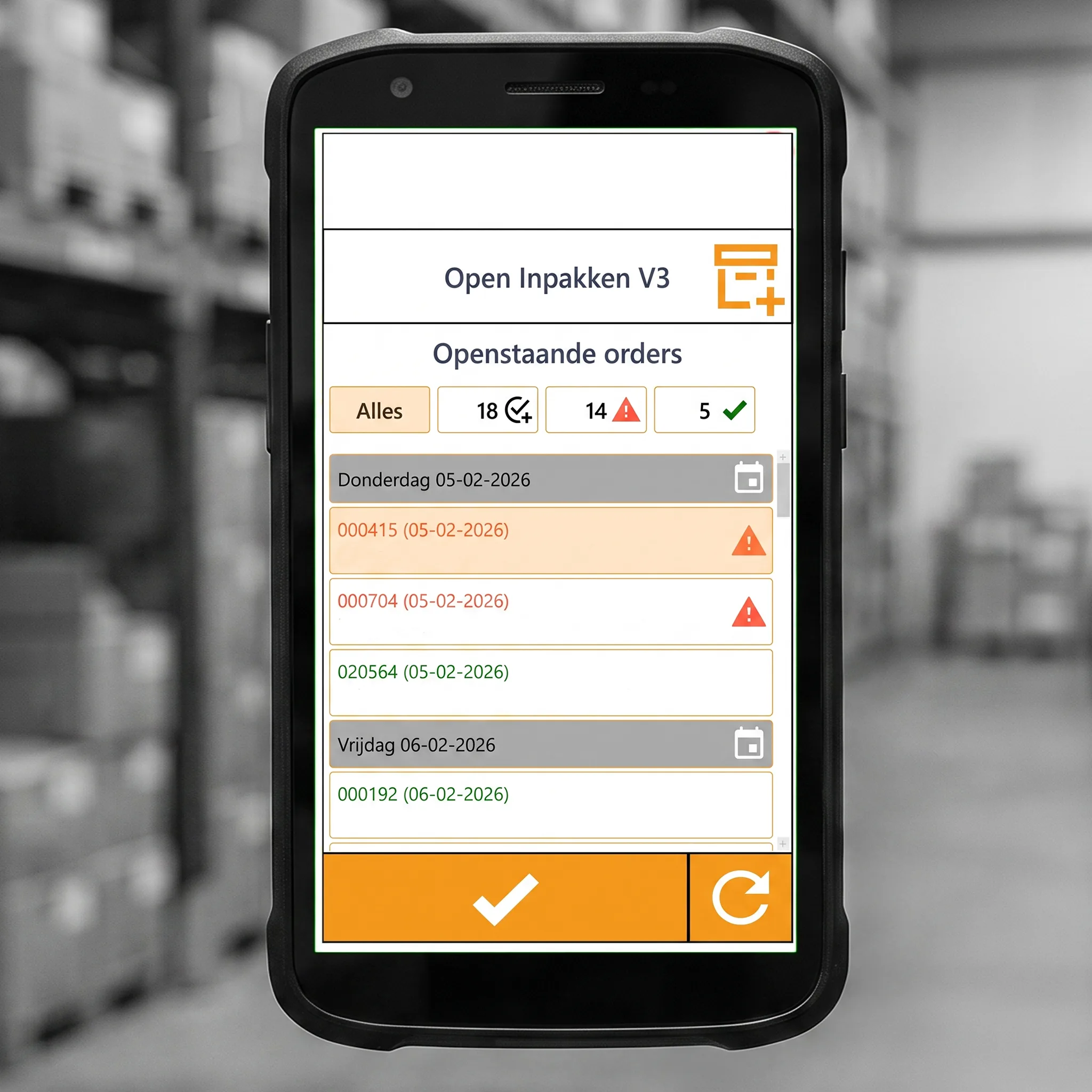
The old workflow relied on printed order picking lists. Orders are now available directly on the scanner, allowing warehouse employees to work through active orders without carrying and updating paper documents.
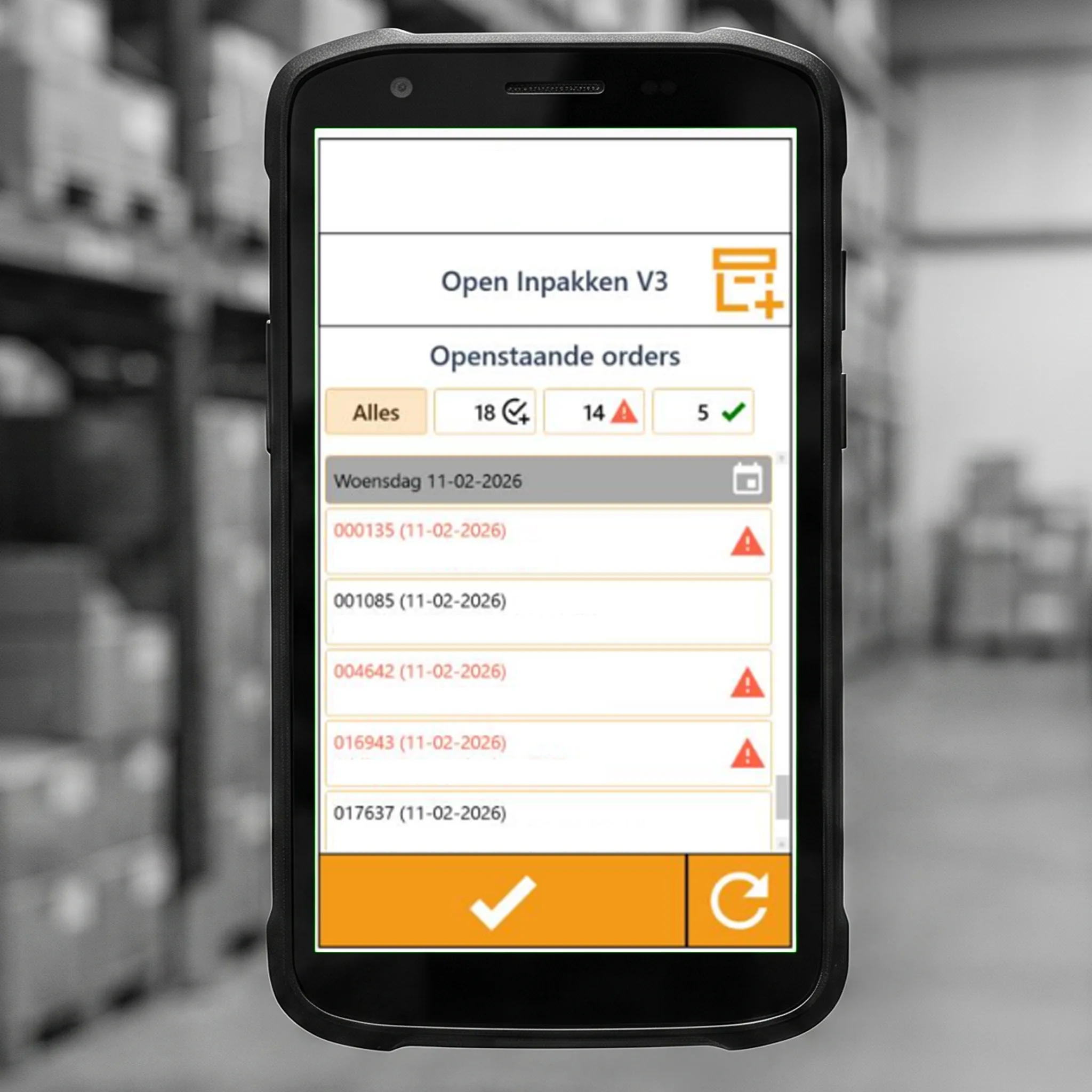
Before starting an order, the interface gives a compact overview of the articles and their warehouse locations. This helps the user understand what needs to be collected and where they need to go before starting the actual pick.
Instead of showing everything at once, the digital workflow presents information at the moment it becomes relevant.
Find.
Scan.
Pick.
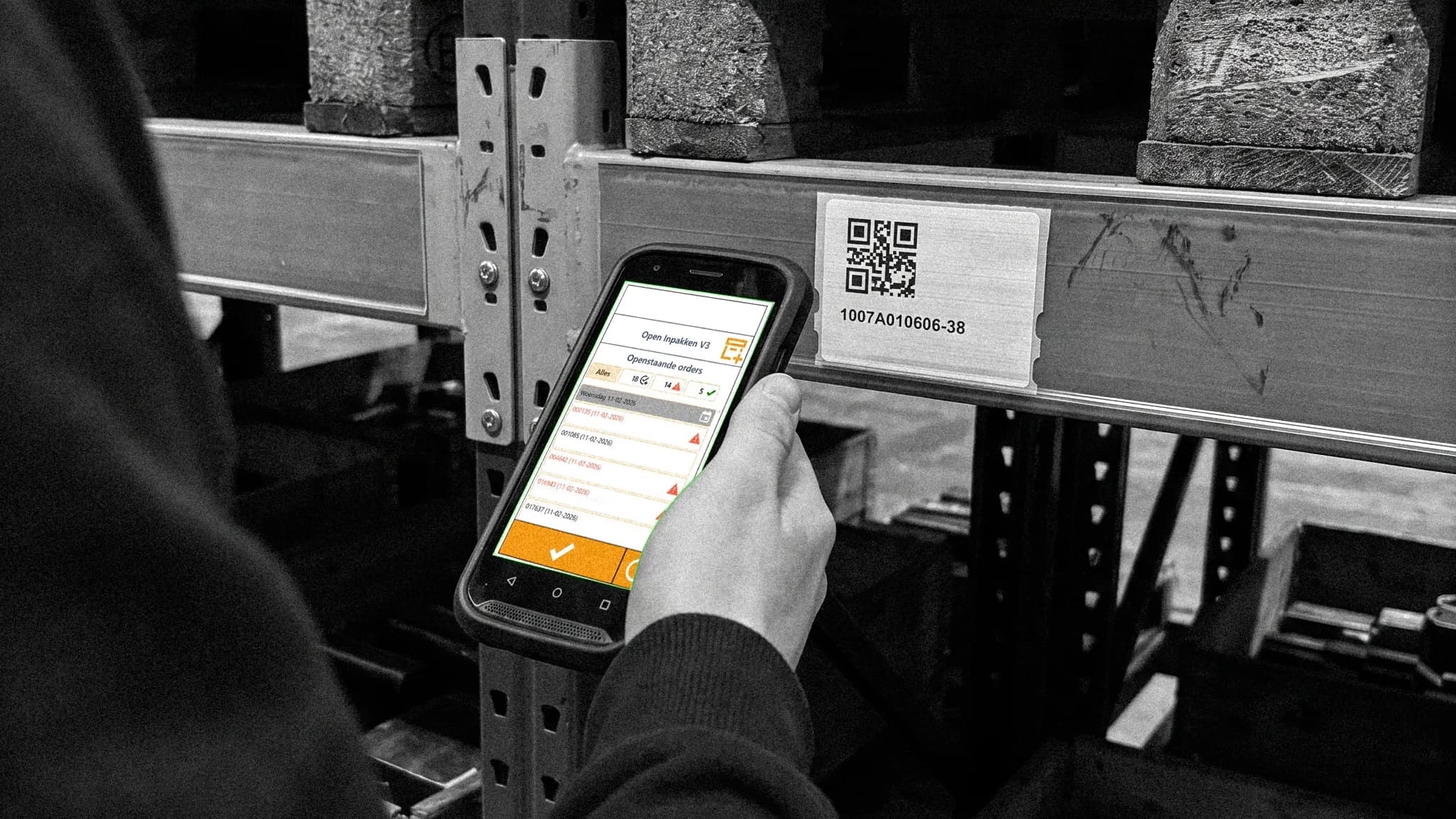
Products were connected to structured article numbers and warehouse locations. Scannable identifiers create a direct connection between the physical warehouse and the digital order.
Different scan points support the reality of the existing warehouse, including rack barcodes, QR codes on warehouse documents and production numbers.
Built For
The Floor.
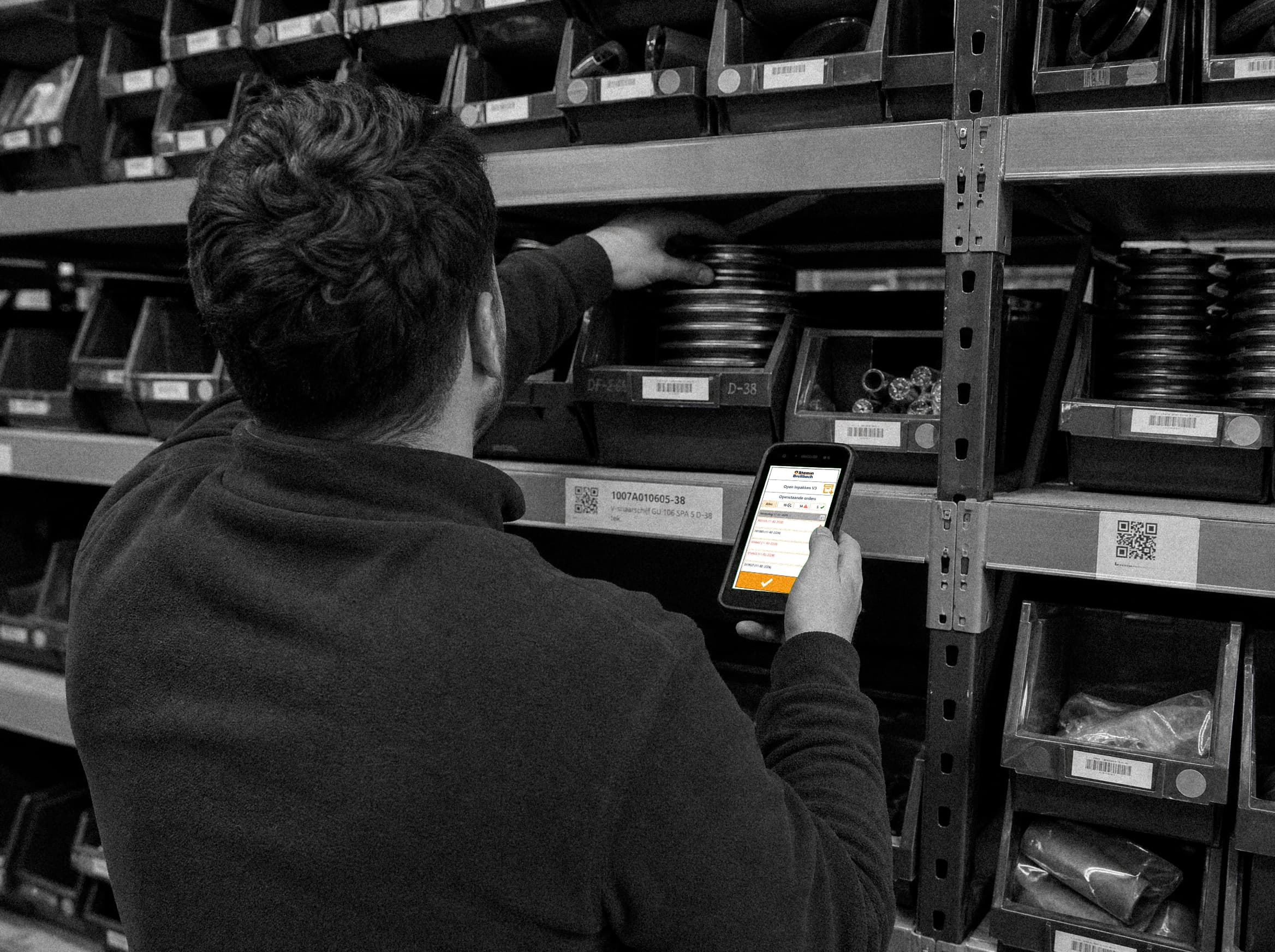
The application is used throughout the day on a small handheld scanner. Information hierarchy therefore matters more than visual decoration.
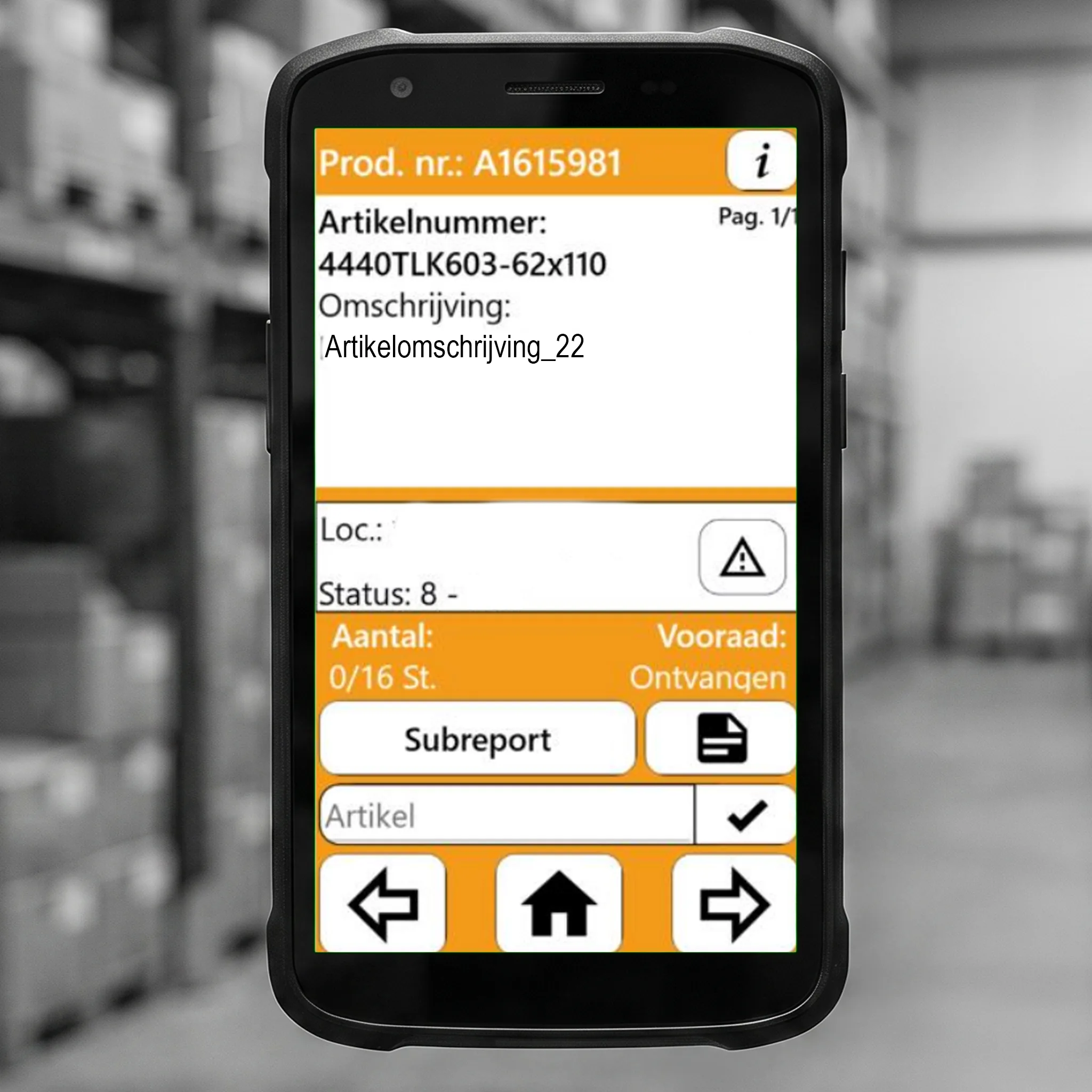
During picking, the interface brings together the article number, product description, warehouse location, quantity, stock status and relevant order information.
The aim is to keep the user focused on the physical task: finding and collecting the correct product instead of navigating software.
01 Show the most relevant information before movement begins.
02 Keep article, location and quantity visible during picking.
03 Use status and colour to make system feedback immediate.
04 Keep larger orders easy to navigate without excessive clicking.
Clear
Feedback
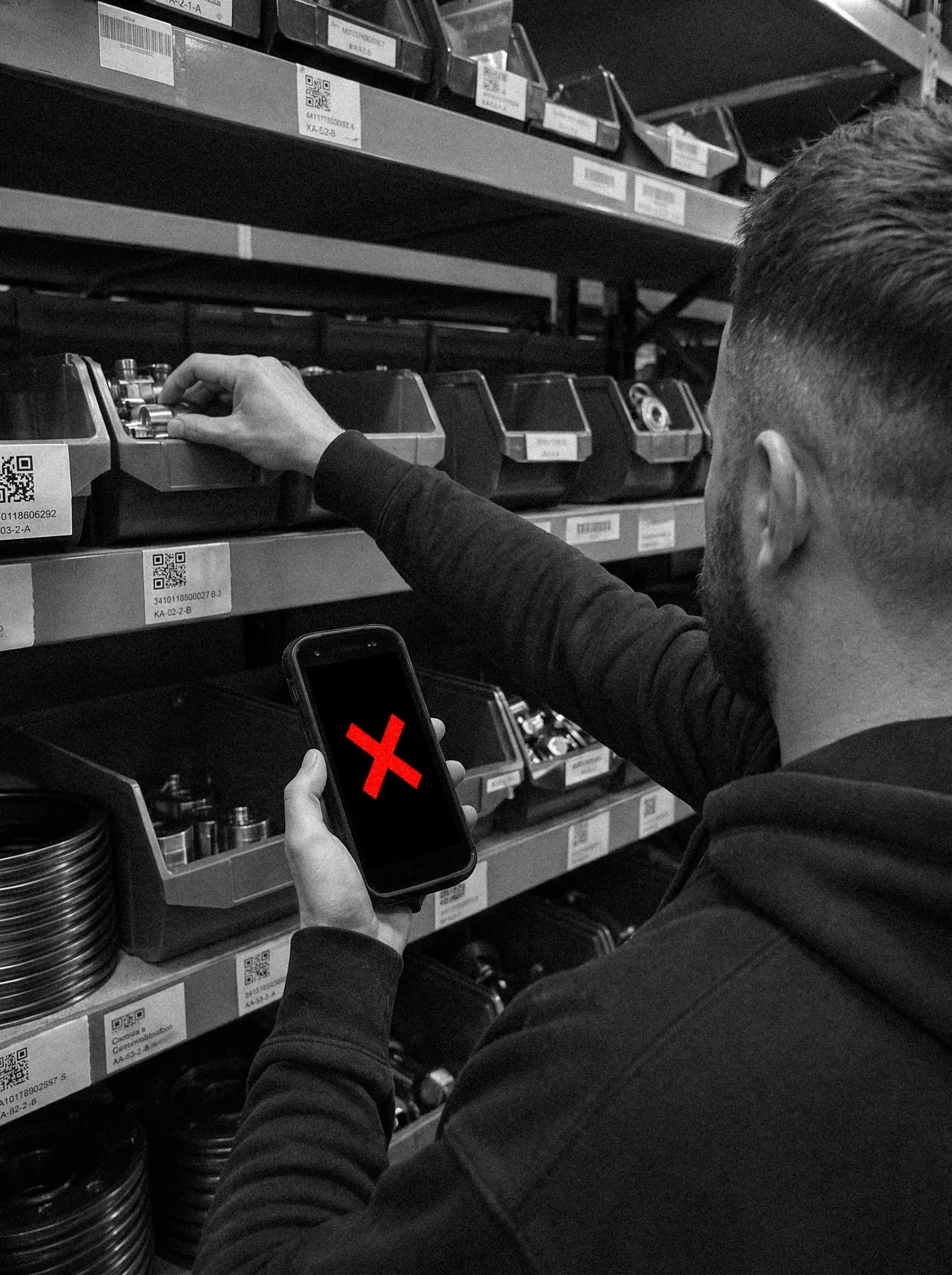
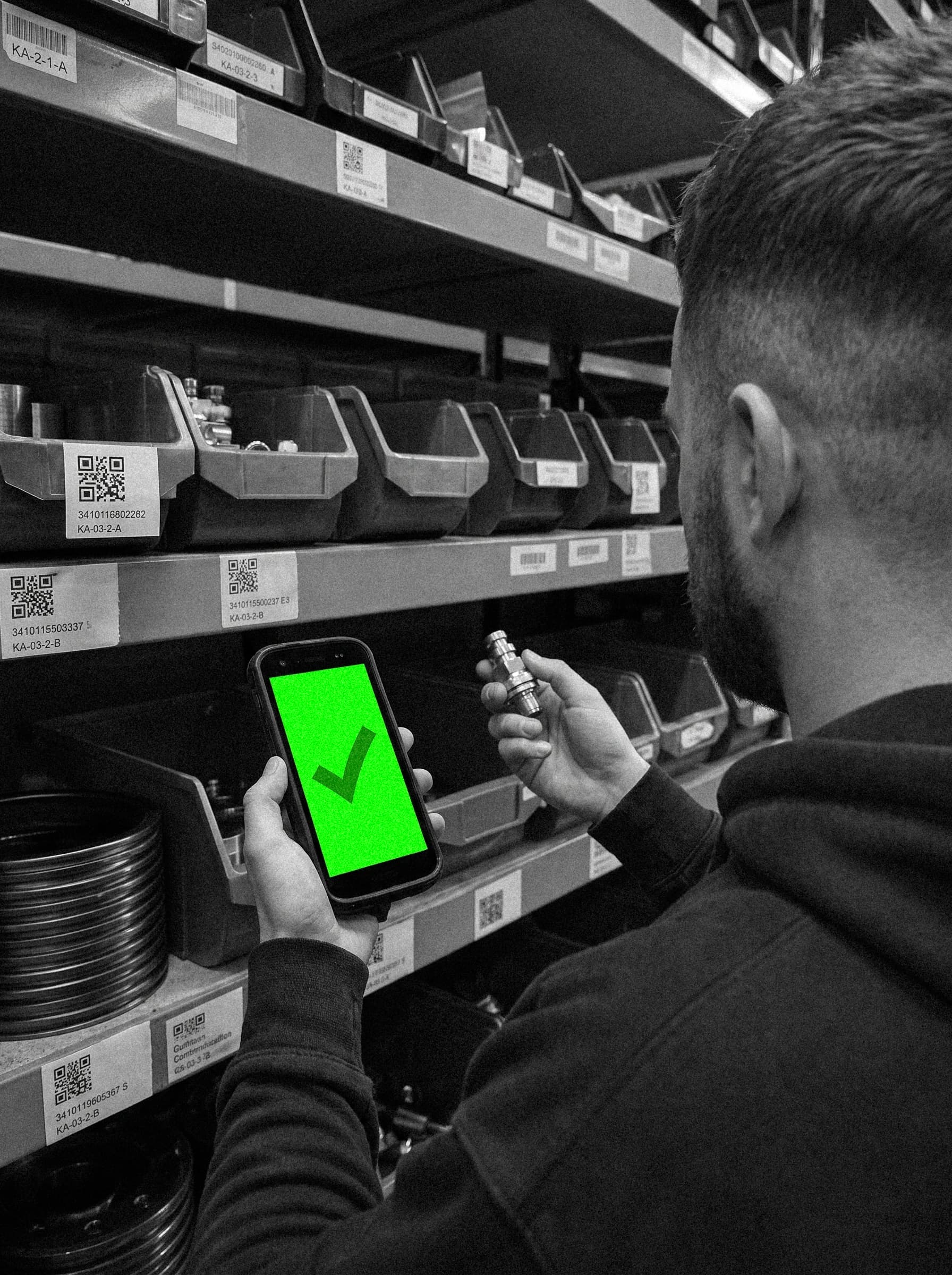
A scanner workflow needs to tell the user immediately whether an action has been completed correctly.
If the wrong article is scanned, the quantity remains unchanged. When the correct quantity has been picked, the article turns green to confirm that the step is complete.
Warnings also surface potential stock or production issues before picking, while still allowing the employee to inspect the real situation on the warehouse floor.
One
Workflow.
The workflow starts when an order comes in through Sales. The order is sent through BEMET and Arkoni, after which the correct articles are collected and scanned during picking.
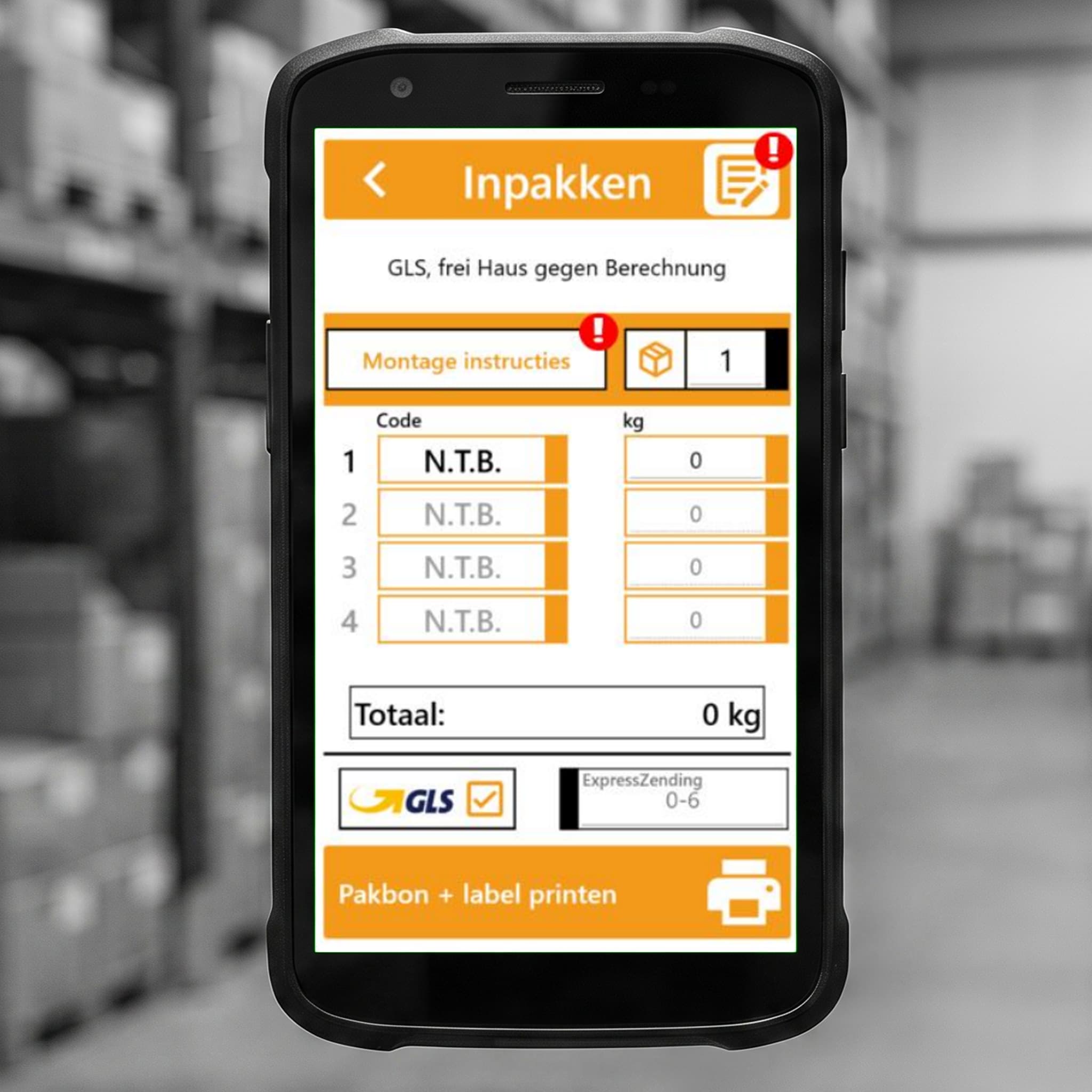
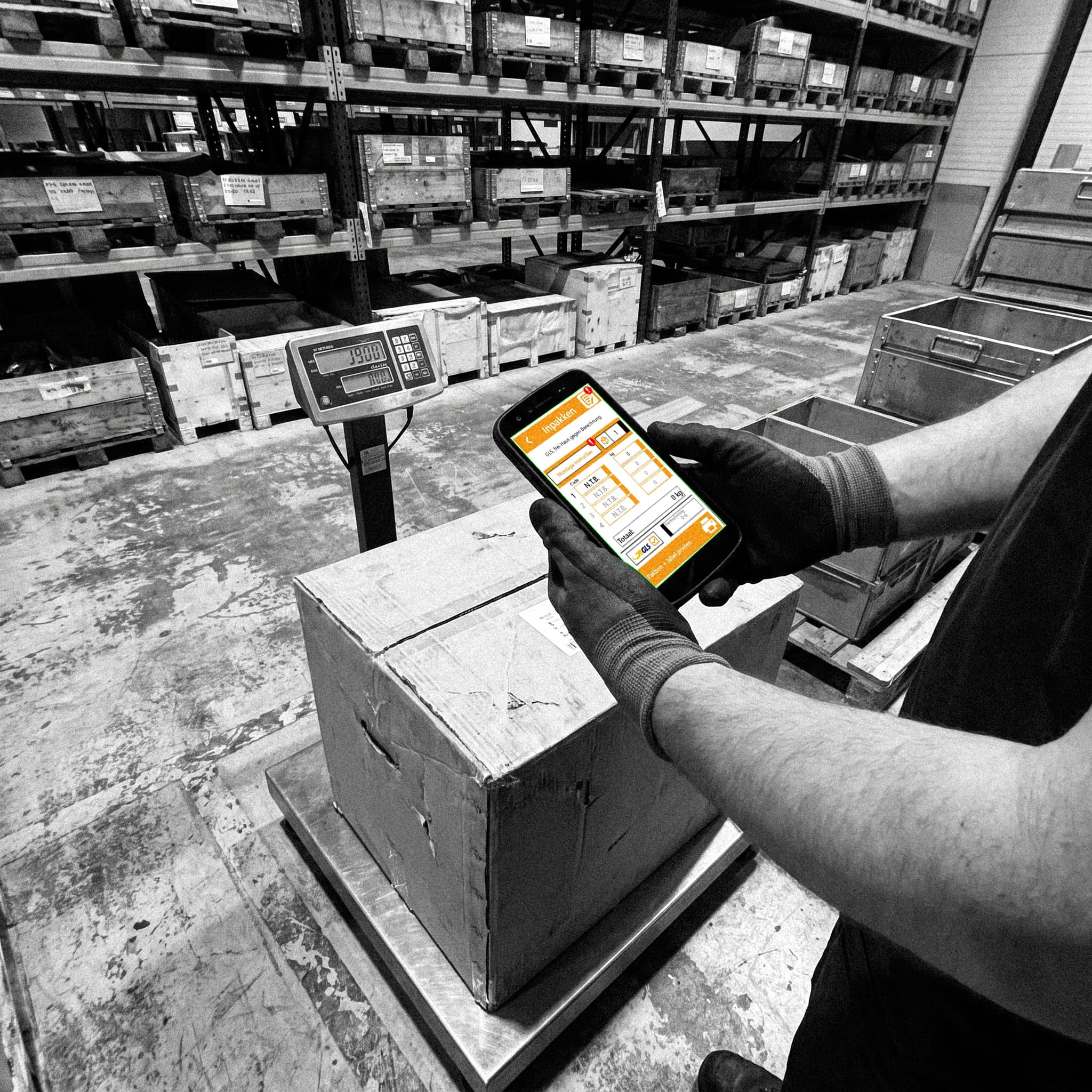
Once the order has been picked, it moves into the packing process. Articles can still be weighed at this stage, allowing incorrect or missing product weights to be corrected in BEMET. Over time, this helps build more complete and accurate product data for future orders.
After packing, the shipment is completed with the required packing slip and a GLS shipping label, keeping the process connected from the original sales order through picking, packing and dispatch.
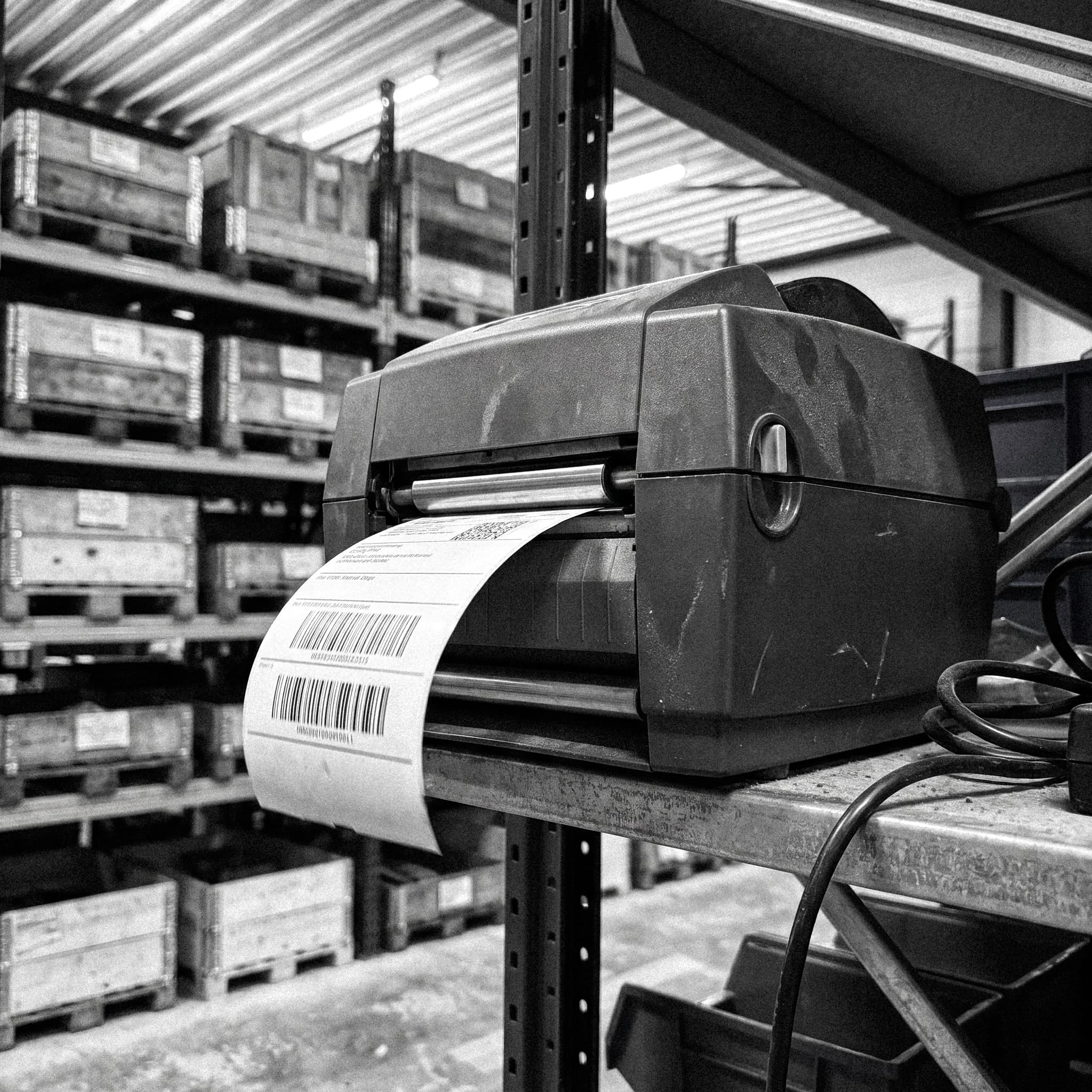
Physical
Meets Digital.
The project connects warehouse locations, product data, order information and physical actions in one practical workflow built around everyday warehouse use.